Inventory tracking software keeps a running count of how many units of each product you hold, updated by the orders themselves. You enter a quantity on the product card, orders take units off it, returns put them back, and an alert fires once the count reaches a threshold you chose. It all answers one question at any hour: can I sell this today?
A home textiles shop in Leeds answered it out loud for a year: the person who packed the orders tidied the shelves, and the count lived in their head. Then three marketplaces went live, daily orders climbed from five to forty, and the same grey throw sold twice in one afternoon on two channels. One order was cancelled and the missing unit sat on the wrong shelf for a fortnight. (Demo data.)
The count was not wrong. The count was nowhere. What follows is where that number lives in Commerce360, how it stays right on its own, where the low-stock alert lands, and why it drifts.
When does a store actually need stock tracking?
The threshold is not how many products you sell but how many channels sell them and how many people pack them. One channel and one packer run on a number in somebody's head for a long time, until one of these three appears.
- One unit is sold in more than one place. If your site and three marketplaces reach into one shelf, one record has to represent it. In Commerce360, nine marketplace and store platforms feed the same Orders list and all match against a single catalog.
- More than one person packs. When two people sell the same unit on one morning, a number held in two heads does not halve; it stays whole in both.
- Noticing a sold-out item takes longer than a day. Count the orders you rang about last month because the item was gone: two is an accident, five is a system problem.
How are stock quantity and the low-stock level set up?
Tracking is not a module but two fields on the product card, and typing a number into the first switches it on.
| Field | What it does | If left empty |
|---|---|---|
| Stock Quantity | The units you hold. Orders take from it, returns add back, never under zero. | The product is untracked and no order moves it |
| Low-stock Level | The alert threshold. On reaching it the figure turns red and an alert is raised. | The threshold counts as zero: the alert arrives only once you are out |
| Stock label | In stock or sold out. With tracking on it is derived from the quantity, not picked. | You flip it with the button on the record page |
| Slug | The matching key between store and record: order lines bind to a product through it. | The line finds no product and nothing deducts |
The chart below lines five products up against their thresholds: the bar is the shelf, the dashed line is where the alert waits, and the gap is what is left before restocking turns urgent.
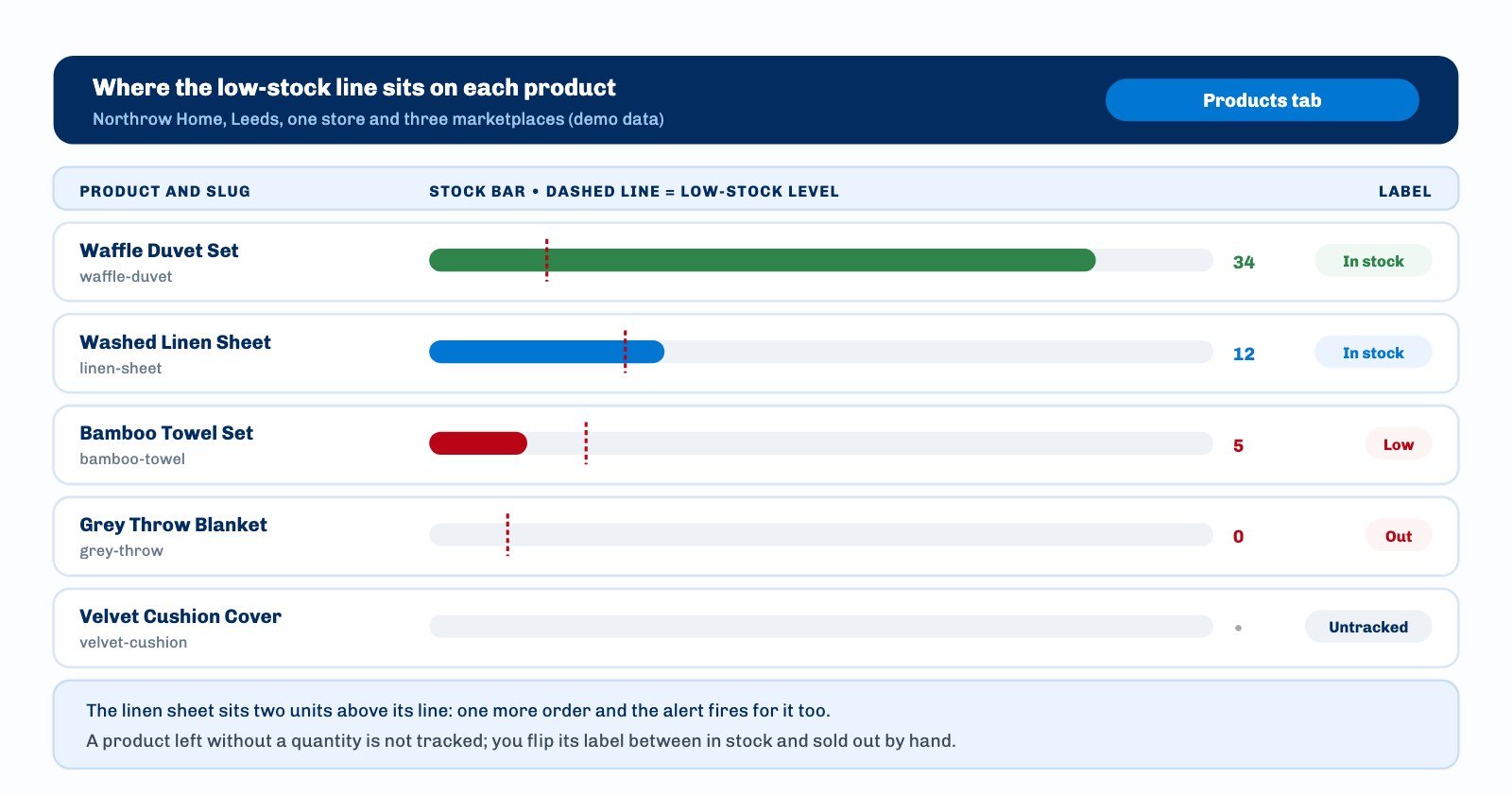
Setting the threshold needs one question rather than a formula: how many days does a restock take, and how many do you sell in those days? Five days at two a day puts the level near ten; a threshold near zero alerts too late.
How does an order take units off the shelf?
Deduction is read from the order lines rather than triggered by hand. Lines are written one per row as slug x quantity, for example linen-sheet x 2. On save each row is parsed, the catalog entry with that exact slug is found, and its quantity comes down.
Three details in that rule account for most first-month surprises.
- The quantity never goes negative. An order for five against an entry holding three lands on zero, not minus two, and the label flips to sold out. The missing two are yours to reconcile at the count.
- Returned and cancelled sit off the path. The path runs New, Preparing, Shipped, Delivered. Move an order to Returned or Cancelled and the quantities go back onto the products; move it to an active status and they come off again.
- Nothing is deducted twice. The order marks on itself whether it has already taken units off, so bouncing between cancelled and preparing still leaves one deduction standing.
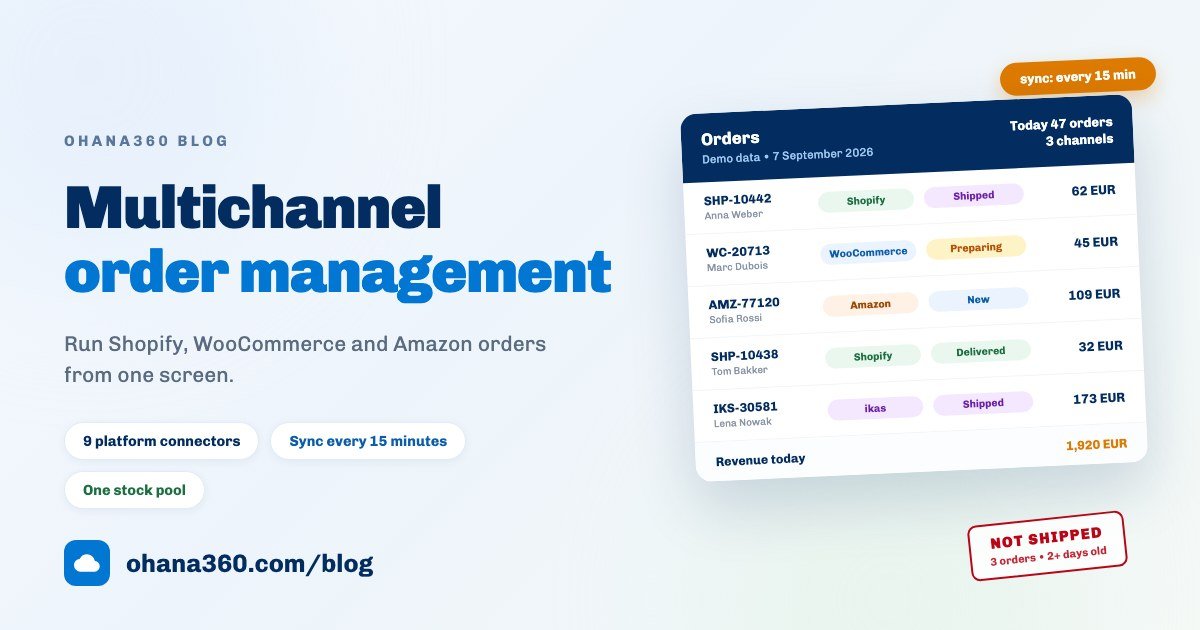
Orders you type in, orders on the store webhook and orders pulled from a marketplace all pass through the same rule; the order side of that pipeline is covered in the multichannel order guide.
Where does the low-stock alert land?
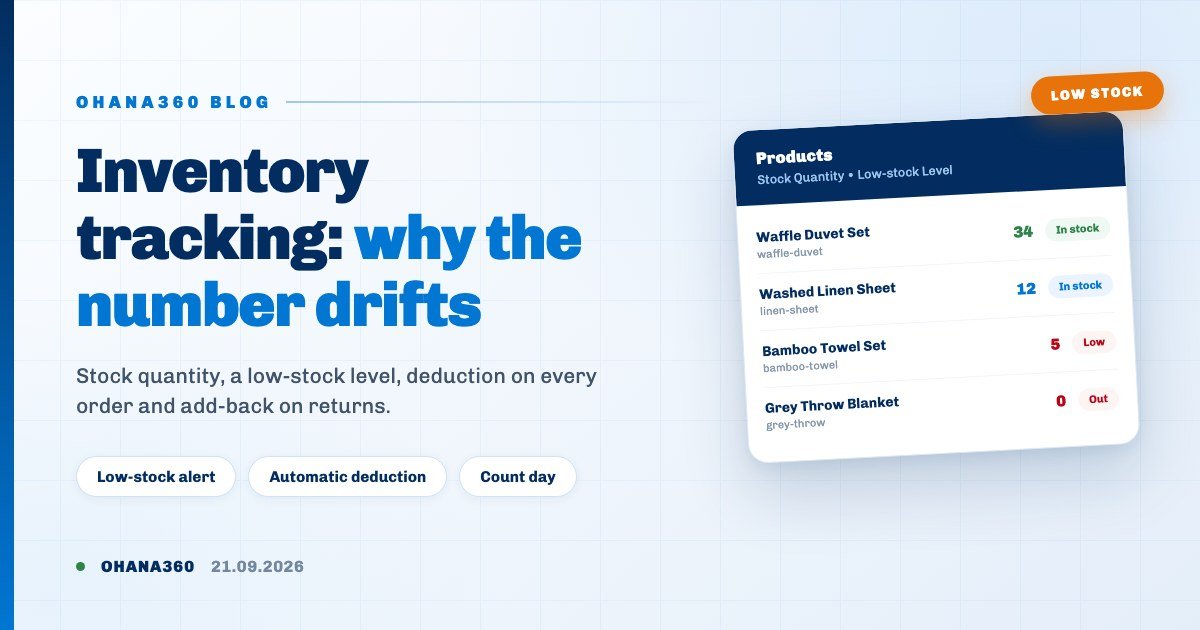
On two channels at once, both pointing at the record. Reaching the threshold writes an org-wide bell notification and sends a push notification to the phone, and tapping either opens that product's record rather than a list. At zero the alert reads out of stock instead.
A quieter trace stays in the Products list, where anything at or below the threshold is printed in bold red, so somebody scanning it sees the situation without the notification.
Why does the number drift?
When the figure on screen disagrees with the shelf, the cause is almost always one of these five. Checking them in order takes minutes.
| Symptom | Likely cause | Where to look |
|---|---|---|
| Order arrived, quantity never moved | The slug on the line is not identical to the catalog one | The items card on the order: is the product shown as a link |
| Some products deduct, one does not | That product has an empty Stock Quantity, so it is untracked | The product record: a dot instead of a number means untracked |
| Quantity is too high | A returned or cancelled order added units back | Status badges in the recent orders card on the product |
| Quantity is too low | The same item exists twice under two different slugs | Sort the Products list by the slug column |
| Stuck on zero | Stock cannot go negative, so the shortfall stayed off screen | Count the shelf and correct by hand |
The last is the quiet one. Sell five against a shelf holding three and the screen says zero while reality says minus two. That gap never closes on its own, which is why counting stays a habit.
How do you reconcile the shelf with the screen?
Corrections are made one product at a time.
- The minus and plus buttons on the product record. Either side of the quantity in the highlight strip, they move it by one per tap: the fastest route from a phone at the shelf.
- Double-click editing in the list. Double-click the quantity cell and type the new figure. The label follows on its own: above zero it reads in stock, at zero sold out.
One habit shortens a count: sort the Products list by quantity ascending and save that view, so low and sold-out items sit at the top every time it opens.
Where do you report the numbers from?
Two questions, two places. What do I hold now is read off the Products list, sorted by quantity and filtered by the stock label. What did I sell comes from the orders.
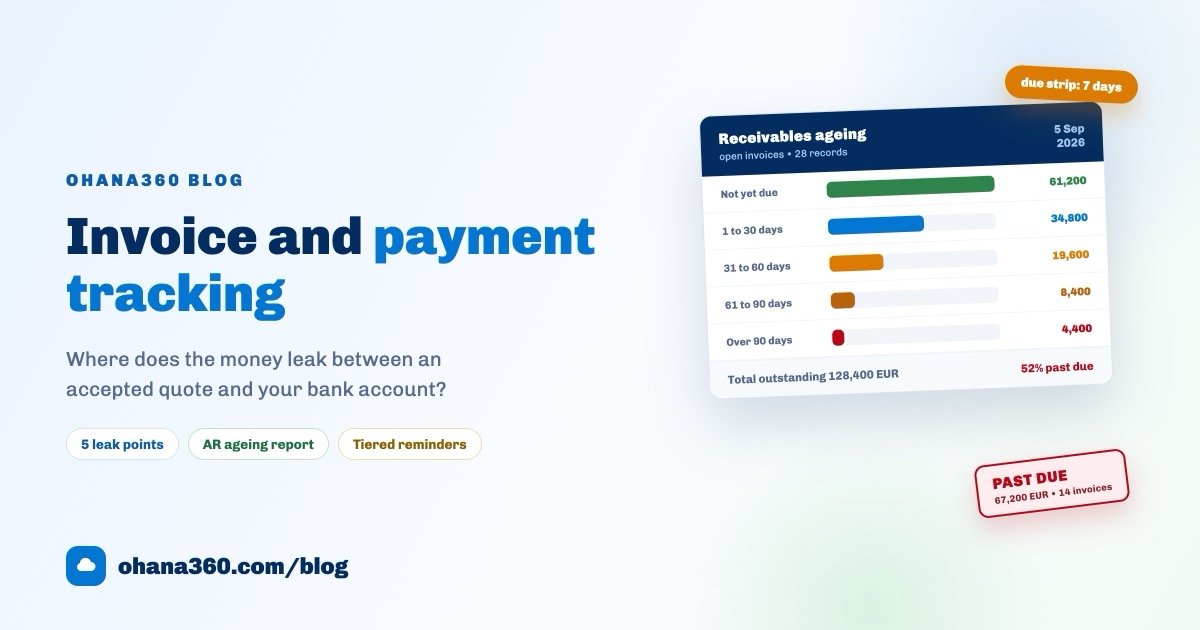
The Excel button on the Orders list downloads three sheets: the order rows; the units of each product that went out with its product code, which is the sheet a supplier wants; and those totals again with a unit cost column you fill in and a line total by formula. For the money side of the period, the invoice and payment guide follows that chain.
What is not included
- No warehouses, bins or locations. One total per product is kept, with no bin address and no transfer between shop and stockroom. Hold goods in two places and the number is their sum.
- No serial or lot tracking. Which batch reached which customer is not recorded, so expiry dates, warranty starts and recalls cannot be built here.
- No barcode scanning. Quantities go in through the minus and plus buttons or inline editing in the list, never a handheld or a phone camera.
- No stock movement ledger. You see the current quantity and the recent orders for that product, but no record of who adjusted it. The Field History add-on covers the core objects and does not write a store product's quantity.
- No bulk stock update. You can export or delete a selection in the list, but no bulk action rewrites its quantities. A count is entered product by product.
- Stock is not pushed back to marketplaces. The connections run one way: every fifteen minutes the server pulls orders and updates status and tracking numbers. Closing a sold-out listing on Trendyol, Shopify or ikas stays your job.
- The alert does not fire on every channel. App and webhook orders raise it; stock deducted by the marketplace sync comes down silently.
- A variant is not a field. A colour or a size needing its own count becomes its own product card with its own slug. There is no variant table under a card.
- No reserved stock. Units come off the moment the order is created, with no state for goods allocated but not yet shipped.
- No cost or margin field on the product. Unit cost is typed into the Excel cost sheet, not stored on the record.
Week one: a schedule for setting stock up
| Day | Task | Time |
|---|---|---|
| 1 | List the catalog: which items are held, which arrive to order | 30 minutes |
| 2 | Make slugs unique and identical to the store's, merging anything listed twice | 40 minutes |
| 3 | Count the shelf and enter Stock Quantity on held items; leave the rest empty | 1 hour |
| 4 | Set Low-stock Level: restock days times daily sales. Round upward where you are unsure | 25 minutes |
| 5 | Create a test order and cancel it: does the quantity fall, then come back | 15 minutes |
| 6 | Sort Products by quantity ascending and save the view so low items stay on top | 10 minutes |
| 7 | Download the Excel export and compare its units sold against the shelf | 20 minutes |
Day five is the cheapest insurance on the list: a one-unit order against a real product, created and cancelled, settles in two minutes whether slug matching works. The Leeds shop found three marketplace items with spaces instead of hyphens in their slugs and three more with no quantity at all. Half an hour of fixes, against months of a wrong number.
Frequently asked questions
How do I turn stock tracking on?
Does stock come back when an order is cancelled or returned?
An order arrived but the stock did not move. Why?
At what quantity does the low-stock alert fire, and where does it land?
Can I track warehouses, bins, serial numbers or barcodes?
One number, in one place, kept right by the orders
Put the quantity on the product card, pick the threshold, and let the orders do the arithmetic. Hear about a sold-out item before the customer does, and let the shelf and the screen agree on count day.