Give customers and partners their own door into your CRM.
Portal360 lets your customers and partners sign in with their own account and see only what belongs to them: orders, invoices and balances, support cases they can open and follow, and knowledge base articles, with invitations and access managed from the CRM.
| Item | Type | Date | Status |
|---|---|---|---|
| INV-2041 | Invoice | Aug 18 | Due |
| ORD-1183 | Order | Aug 15 | Shipped |
| Case 00042: login issue | Case | Aug 14 | In Progress |
| INV-2036 | Invoice | Aug 02 | Paid |
Watch Portal360 in action
One minute: the desktop and the mobile experience, recorded from the real product.
What you get with Portal360
Portal users get their own account, scoped to their company and their records only.
Customers see their orders, invoices and outstanding balance without emailing you.
Support requests are opened in the portal and tracked with status updates.
Published Knowledge360 articles answer common questions before a case is opened.
Invite a contact from the record; access can be revoked with one click.
The add-on covers 10 portal users; every additional 10 portal users is one more package.
Invite your top customer to the portal today and stop forwarding invoice copies by email.
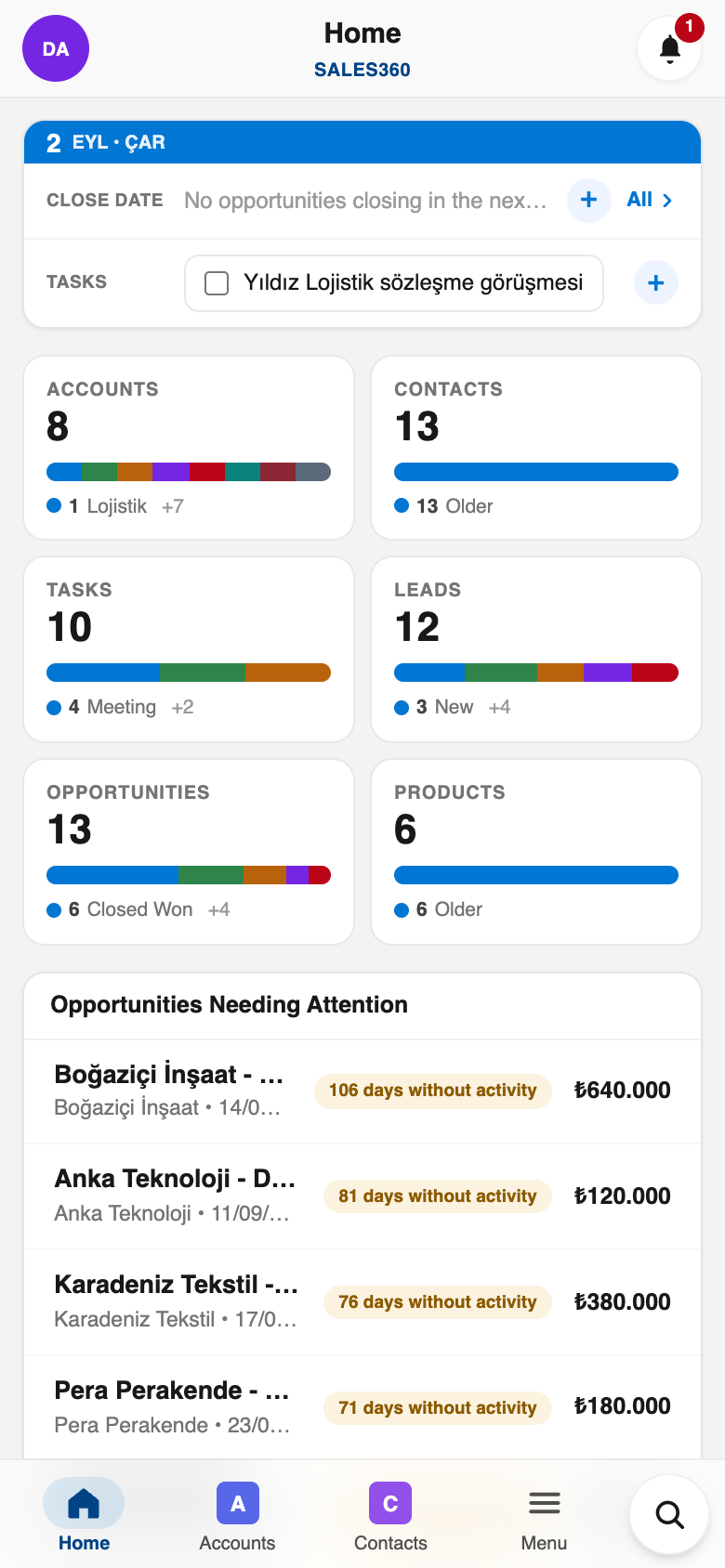
Portal360 in your pocket
Everything above works in the Ohana360 mobile apps too: a bottom tab bar with your favorite tabs, one-tap actions and push notifications. Included in every plan.
And everything the platform gives every app
Built to be trusted
The same protections on every app, in every plan.
Your organization's data lives in Frankfurt, Germany, served over HTTPS with HSTS.
Nightly database backups with an off-site copy, plus a weekly export of your organization you can download.
Privacy policy, data processing agreement and sub-processor list are public; you can delete your account and export your data at any time.
Two-factor sign-in, profiles and permission sets, sharing rules and a full audit log.
Live availability and 90 days of history at status.ohana360.com.
Built and operated by digitalforce360 OÜ, registered in Estonia (EU), with public company details.
Frequently asked questions
An add-on that gives your customers and partners their own login: they see their orders, invoices and balance, open and follow support cases and read knowledge base articles.
No. Each portal user is scoped to their own company and records only.
Invite a contact from the record page; the invitation email carries the login link and access can be revoked with one click.
The add-on price includes 10 portal users. Every additional 10 portal users is one more package, so a customer base of 25 needs three packages.
€50 per month per organization for the first 10 portal users, billed annually; each additional package of 10 portal users is another €50 per month.
Try Portal360 with your own data
Start free, then enable Portal360 from the marketplace as an add-on.