Orders from your store, managed like a pro back office.
Commerce360 is the order desk behind your online store: a product catalog with stock, orders flowing in automatically through the store webhook, and a fulfillment path from new to delivered with shipping actions built in.
| Order | Customer | Total | Status |
|---|---|---|---|
| ORD-1284 | Anna Virtanen | $96.00 | New |
| ORD-1283 | Piotr Nowak | $142.50 | Preparing |
| ORD-1282 | Lucia Fernandez | $67.90 | Shipped |
| ORD-1281 | Emma Berg | $210.00 | Delivered |
Watch Commerce360 in action
One minute: the desktop and the mobile experience, recorded from the real product.
What you get with Commerce360
Orders from your website land in the CRM automatically, updates included.
Trendyol, Hepsiburada, n11, Pazarama, Ciceksepeti, WooCommerce, Shopify, ikas and Amazon orders pulled every 15 minutes.
New, preparing, shipped, delivered: move orders along with one click.
Enter the tracking number and the order updates itself.
Products with slugs, prices and stock, synced with your storefront.
Handled as first-class statuses, not spreadsheet notes.
Orders and revenue by day, channel and product.
Nine marketplaces and store platforms, already connected
Connect your seller account once from inside the app. Orders are pulled every 15 minutes and land in the same queue as your website orders, so picking, shipping and returns happen on one screen. API keys stay on the server and never reach the browser.
 Trendyol
 Hepsiburada
 n11
n11 Pazarama
 Ciceksepeti
 WooCommerce
 Shopify
 ikas
ikas Amazon
Brand names and logos belong to their owners and are shown to identify the integration.
Connect the store webhook and watch today's orders appear without typing a single one.
“From order to shipping label it is one flow now. The team dropped the spreadsheets in a week and nobody wants them back.”
The back office your storefront is missing
Storefront platforms are great at taking orders and thin at running them: who packs what today, which shipment is stuck, which channel actually makes money? Commerce360 is the order tracking software behind the store: every order becomes a record that moves through New, Preparing, Shipped and Delivered.
Orders arrive automatically through a signed webhook from your storefront, whatever the platform: WooCommerce, a local platform or a custom site. Each order carries its items, customer, channel, cargo firm and tracking number; a one-click action moves it to shipped with the tracking number in focus. Returns and cancellations are part of the same path, not an afterthought.
Products and stock live alongside orders, and reports show revenue by channel and by product, so restocking decisions are made on numbers. Because it is part of a full CRM, the same customer record can also carry support cases and email campaigns.
Who is Commerce360 for?
Orders flow from your storefront into a clean back office with statuses and cargo tracking.
Website, marketplace and social orders in one queue, with revenue reported by channel.
Track supplier handoff, shipment and delivery per order without a spreadsheet.
From order to doorstep in four steps
Point your storefront's webhook at Commerce360; orders start arriving automatically.
Work the queue by status, assign the cargo firm and enter the tracking number.
Mark delivery, and run returns or cancellations through the same order path.
Revenue by channel and product tells you what to restock and where to push.
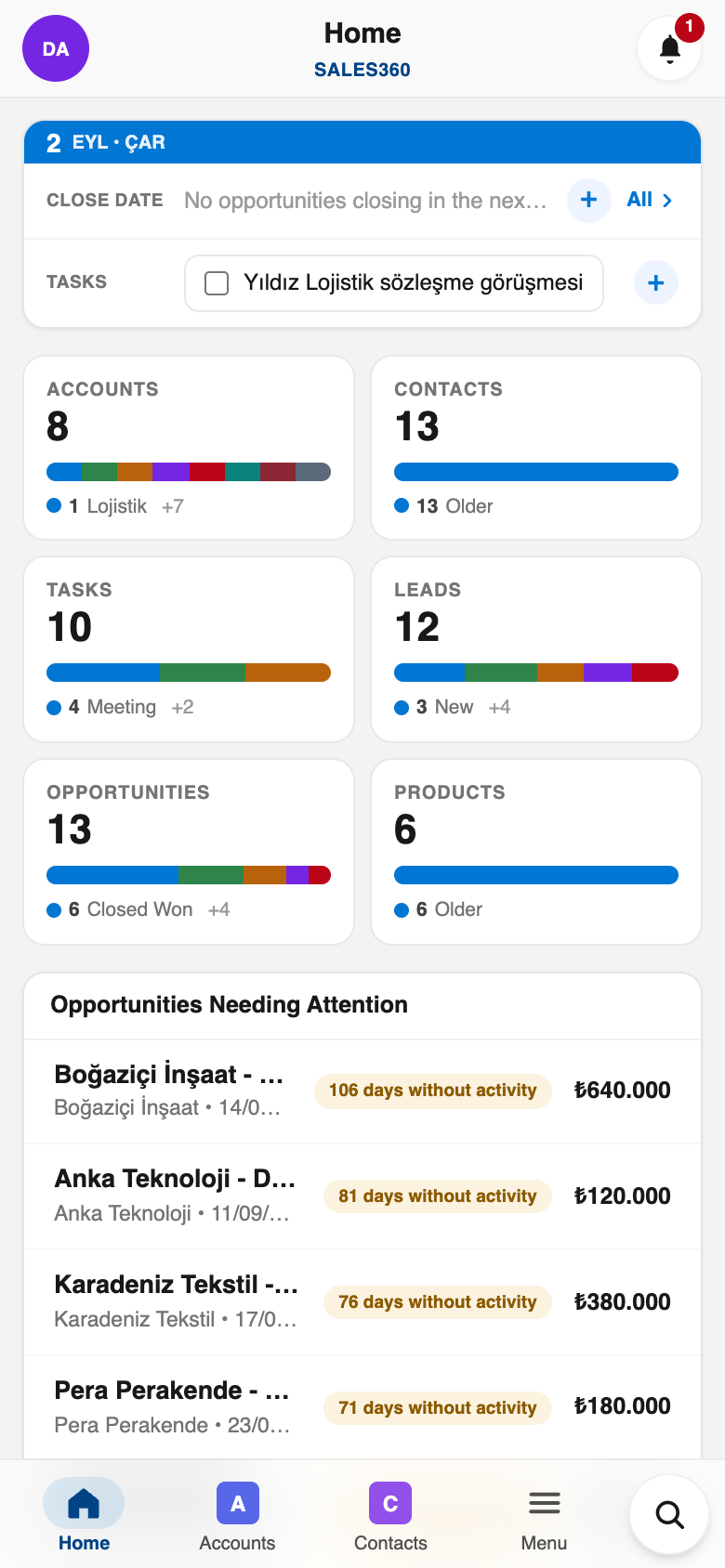
Commerce360 in your pocket
Everything above works in the Ohana360 mobile apps too: a bottom tab bar with your favorite tabs, one-tap actions and push notifications. Included in every plan.
And everything the platform gives every app
Built to be trusted
The same protections on every app, in every plan.
Your organization's data lives in Frankfurt, Germany, served over HTTPS with HSTS.
Nightly database backups with an off-site copy, plus a weekly export of your organization you can download.
Privacy policy, data processing agreement and sub-processor list are public; you can delete your account and export your data at any time.
Two-factor sign-in, profiles and permission sets, sharing rules and a full audit log.
Live availability and 90 days of history at status.ohana360.com.
Built and operated by digitalforce360 OÜ, registered in Estonia (EU), with public company details.
Frequently asked questions
Yes: orders arrive via webhook from your store, move through New, Preparing, Shipped and Delivered, with cargo tracking fields.
A signed webhook receives orders automatically from your storefront; products and stock live alongside.
Return and cancel states are part of the order path, and reports show revenue by channel.
Any platform that can send a webhook: WooCommerce, local Turkish platforms or a custom storefront. The signed webhook format is documented and takes minutes to wire.
Yes: cargo firm, tracking number, shipped and delivered dates live on the order, with a one-click ship action.
Yes, products and historical orders import from CSV for a running start.
€250 per month per store (not per user), billed annually; extra users are €25 per month.
Try Commerce360 with your own data
Start free, then enable Commerce360 from the marketplace inside your organization.