Anyone searching for a GDPR-compliant CRM is usually asking a simpler question: "If we buy this, is the GDPR sorted?" The short answer is no. A CRM can give you tools that make it much easier to keep customer data in line with the GDPR: consent records, retention periods, request tracking, anonymisation, an access trail. Which rules those tools run on is still your decision, because in law you are the controller.
Our example is Aksoy Furniture, a furniture retailer with three showrooms and thirty-eight staff. Their CRM holds 6,400 customer contacts, 1,900 leads from the website form and 3,100 newsletter subscribers. They keep addresses for delivery, phone numbers for instalment plans and email for campaigns. Last year they received 14 data subject requests: 9 for erasure, 3 for access and 2 objecting to marketing. Every one was handled from a single employee's inbox, and nobody can say how long each took. (Fictional example.)
This guide takes five things Aksoy Furniture believed about data protection, sets each against what is actually true, and shows how the work gets recorded in a CRM. First the big picture: a person's data passes five stops in your CRM, and at each one some work falls to the tool and a decision falls to you.
Myth 1: "Buy a GDPR-compliant CRM and compliance is done"
What is true: compliance is a way of operating, not a product feature. Which data you collect and why, what your privacy notice says, how long you keep records and how you answer requests are your decisions. Ohana360's terms spell the roles out: for the personal data you enter, you are the controller, and Ohana360 is a processor acting on your behalf under a data processing agreement, as Article 28 expects.
What the tool adds is a way to put those decisions on the record and repeat them. In Ohana360 that happens under Setup > Compliance, which has three tabs:
- Controller and Preferences: legal name, address, request email, registry number and contact person, merged into your texts automatically. The same tab holds the org-wide switches for mandatory two-factor authentication and disabling the AI assistant.
- Disclosure and Consent Texts: a draft privacy notice and consent text. The draft adds industry paragraphs based on your licensed apps (health data for clinics, identity reporting for hospitality, employee data for HR, professional secrecy for law firms), pulls retention periods from your retention policy and the international transfer section from your hosting and AI settings. Each time the text changes, its version number goes up.
- Compliance Tools: a full JSON export of the org, a data inventory summary (how many personal-data records sit in each category), the requests object, per-person data package and anonymisation, the record access trail and the erasure log.
The screen itself states the limit: the generated text is a draft and should be confirmed with counsel before you publish it. The draft is written around Turkey's KVKK, which follows the GDPR closely but not word for word, so an EU business should treat it as a starting point for its own privacy notice.
Myth 2: "A ticked box on the form is our consent record"
What is true: the box is the start, not the record. Where you rely on consent, the GDPR expects you to be able to demonstrate it. If someone asks why a campaign email reached them, the answer is not that a box was ticked; it is who consented, when, through which channel and having read which version of your notice. It also helps to remember that consent is only one lawful basis, and much CRM processing rests on contract or legitimate interests instead. Which basis covers which processing is a question for counsel.
In Ohana360, marketing consents live on a card on contact and lead records, provided by a system add-on enabled from the Marketplace. The card manages three channels separately.
| Channel | Where consent comes from | What happens on send |
|---|---|---|
| The consent box in the web form, the Newsletter360 subscription form, manual entry | Marketing360 bulk email goes only to Approved; record emails and newsletters to a Refused address are blocked on the server | |
| Message / WhatsApp | The web form consent box, manual entry | Refused: the WhatsApp button will not send; Unknown: a warning |
| Call | Manual entry, with sources such as signed form, call centre or event | The status shows on the card for building call lists |
For every channel the card stores the status (Approved, Refused or Unknown), the moment of consent including the hour, the source, the user who entered it, the IP and the text version. The unsubscribe link in a newsletter sets email consent to Refused by itself. One note for teams that also market to recipients in Turkey: the same card exports the file format for Turkey's national consent registry, IYS. If you do not send to Turkey, you can ignore that part entirely.
Myth 3: "Keeping data is harmless; we might need it one day"
What is true: storage limitation is one of the GDPR's core principles. Data kept past its purpose is data you can lose in a breach, and every old lead kept "just in case" is part of that. A retention period should be a written policy that applies itself, because a manual clean-up is the first thing dropped in a busy month.
In Ohana360 this lives in Object Manager > object > Retention. For each object you pick a period (3 or 6 months, or 1, 2, 3, 5 or 10 years) and what happens when it runs out: anonymise (personal fields cleared, record kept) or delete permanently. The job runs nightly at 03:00 on the server and writes an entry to the audit log as kvkk_saklama, with how many records were handled in each object. The periods you choose also flow into the retention section of the draft privacy notice.
| Object | Period | At the end | Why |
|---|---|---|---|
| Lead | 1 year | Anonymise | A form that has not become a customer in a year has no sales value; the count stays in reports |
| Contact | 5 years | Anonymise | Warranty and service continue; the clock runs from the last edit, so active customers are untouched |
| Case | 3 years | Anonymise | Service statistics stay, personal details in complaint text go |
| Invoice | Your statutory period | Anonymise | Tax law sets a minimum; agree it with your accountant |
Myth 4: "On an erasure request, deleting the record is enough"
What is true: a request is a process: it is logged, answered without undue delay and within one month, and the work done is provable. Deletion is not always the best answer either; deleting a record breaks the sales and service history attached to it, and anonymising often reaches the same end without damaging business records. For an access request you have to gather and hand over the person's data, which in an untidy CRM takes days.
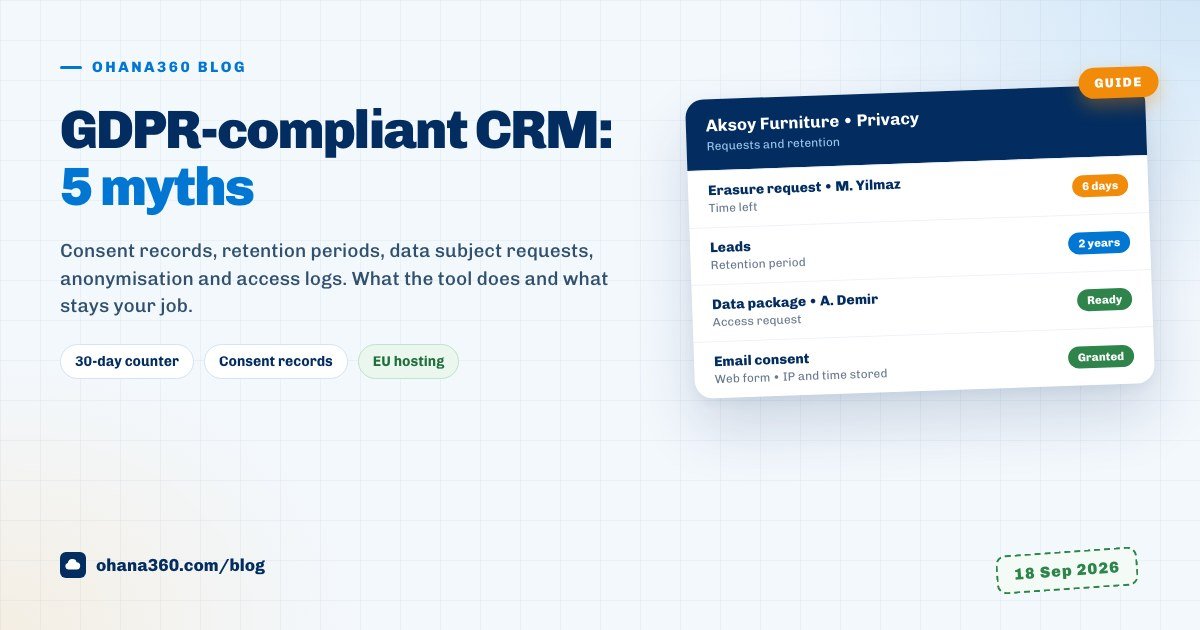
In Ohana360, Set up the request object under Compliance Tools creates a requests tab and record form in one click. The fields: requester name, email and phone; request type (access, rectification, erasure, portability, objection, transfer information); status (received, in review, completed, rejected); date received; channel (email, letter, registered electronic mail, notary, in person); the related contact record; and the outcome. Each open request runs a 30-day counter, and requests within seven days of the deadline or overdue appear in the Attention list on the Platform home page.
The work itself happens in Per-person Data Operations on the same tab. Type a contact's or lead's name or email and two buttons appear on the row:
- Data package: downloads the person's record plus linked tasks, events, cases, opportunities and posts as one JSON file, ready to attach to an access or portability response.
- Anonymize: asks for confirmation, then replaces the name with "Anonim" and the last four characters of the record ID and clears email, phone, notes, description and consent statuses. Linked tasks, cases and opportunities stay. It cannot be undone.
Both actions are written to the audit log, so six months later the answer to "who handled this request, and when" is on the record. Verifying the requester's identity is your own process; the CRM does not do it. Under this setup Aksoy Furniture's nine erasure requests would have been nine anonymisations, and sales reports across 6,400 contacts would have stayed intact.
Myth 5: "Our team is trustworthy, so everyone can see every record"
What is true: trust is not an access policy. A showroom salesperson has no need to read finance's collection notes, and an intern has no need to see the whole customer list. The GDPR asks for appropriate technical and organisational measures, and the most basic one is that people see what their job needs and that you can tell who looked at what.
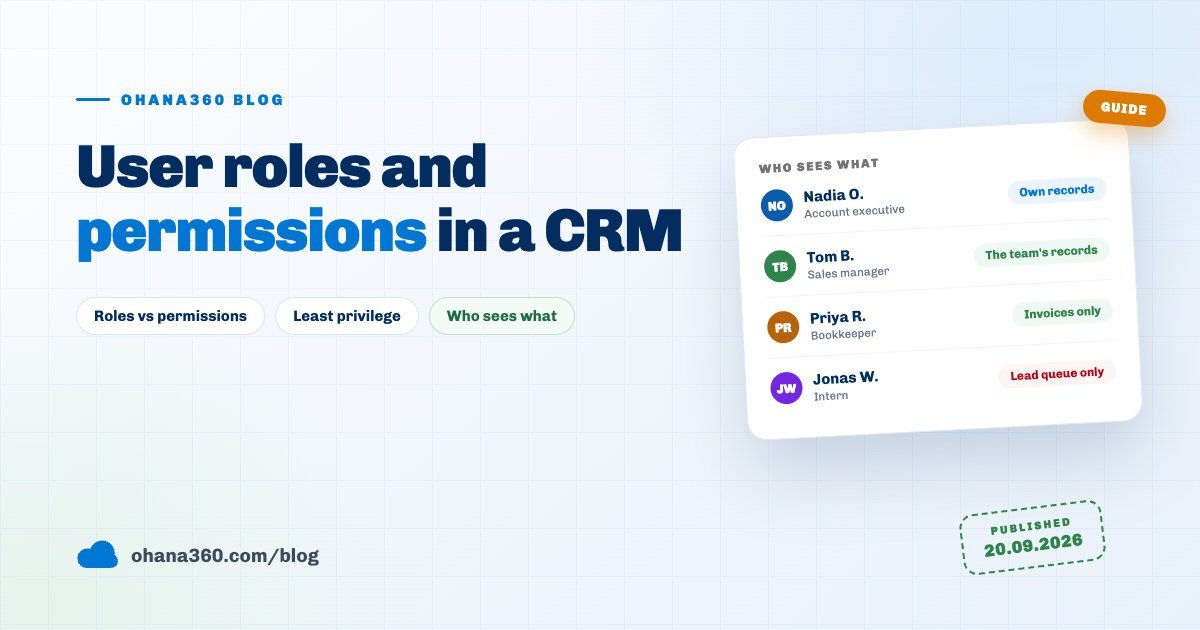
- Profiles set which apps are open and the read, create, edit and delete rights on each object. The role hierarchy lets a manager see their team's records, and the sharing screen sets default access per object (public, owner only, visible through the hierarchy). Access decisions are enforced on the server, not only in the interface.
- Mandatory two-factor authentication: when on, everyone in the org enters a six-digit code sent to their email at every password sign-in, whatever their personal setting. The same Security page sets the password policy (minimum length, letters and digits) and the session length.
- Record Access Trail: who opened which record, when and from which IP. One row per user and record every ten minutes, kept for two years, and it survives the record being deleted. File access is tracked separately under Files, and sign-ins are in the audit log's Login History.
- Leavers: deactivate the account under Setup > Users and use Sign out everywhere on the row menu to end browser and mobile sessions.
Aksoy Furniture set up three profiles: showroom (contacts and opportunities), service (cases) and management. They set the contact sharing default to owner only, and showroom managers see their own team's customers through the role hierarchy.
Where is the data, and does it leave the EU?
Ohana360 keeps your organisation's data on servers in Frankfurt, Germany. Traffic is encrypted with HTTPS and HSTS, the database is backed up nightly and an off-site copy is kept. For an EU business that means the primary hosting sits inside the EU. The other thing to map is the AI assistant: when it is used, the relevant record's content can be sent to a third-party AI provider. If you do not want that, switch on Disable the AI assistant in this org; the AI card disappears from record pages, the server refuses AI requests and the AI sentence drops out of the draft privacy notice. For your records of processing, ask for the current sub-processor list and check where each one processes data.
Where all of this lives in Ohana360
- Setup > Compliance: controller details, mandatory 2FA and the AI switch, versioned draft notice and consent texts, the data inventory summary, full JSON export, the requests object, data package, anonymisation, the access trail and the erasure log.
- Object Manager > object > Retention: a period and end action per object, run nightly at 03:00.
- Consents card: per-channel consent on contacts and leads, fed by the web form, Newsletter360 and manual entry, enforced by send gates.
- Setup > Security, Users, Devices and Sessions, Audit Log: password policy, session length, deactivation, session revocation and login history.
None of this is sold as a separate compliance module; it is part of the platform, with the consent card as a system add-on enabled from the Marketplace. Current plans are on the pricing page.
What it does not do
- No legal advice and no approved texts. The notice and consent texts are drafts built around Turkey's KVKK; counsel should adapt and confirm them for your business and jurisdiction.
- No identity verification. There is a request record and a 30-day counter; checking who is asking is your process.
- The data package and anonymisation cover contacts and leads. Industry records such as patients, guests or employees are not searched from that box, and files and invoices are not included in the package; gather those separately.
- Custom fields are not cleared automatically. Anonymisation and the retention job clear the standard personal fields; if you keep personal data in a field you added, clear it by hand.
- Two-factor authentication uses an emailed code. There is no authenticator app or hardware key option.
- No choice of hosting region. Data sits on the servers in Frankfurt.
A plan for the first week
| Day | What to do | Time |
|---|---|---|
| 1 | List which personal data the CRM holds and why; check the inventory summary and flag fields you do not need | 45 minutes |
| 2 | Enter controller details under Compliance, send the draft notice to counsel and save the approved version (a version number is created) | 30 minutes |
| 3 | Review profiles and sharing defaults, turn on mandatory 2FA, deactivate accounts of people who have left | 60 minutes |
| 4 | Enable the consent add-on, import existing consents with their source, update the web form snippet with the consent box | 90 minutes |
| 5 | Set up the request object and make it a rule that every request arriving by email is logged there | 20 minutes |
| 6 | After exporting and reviewing your data, save the first retention policies and check the audit log the next morning | 45 minutes |
If CRM vocabulary is new, what is CRM covers the basics, and the Marketing360 page shows how consent feeds into campaigns and segments.
Frequently asked questions
Is there such a thing as a GDPR-compliant CRM?
Does storing consent in the CRM prove consent?
Should I delete or anonymise a record on an erasure request?
Where is Ohana360 data hosted?
What happens when a retention period runs out?
Can I see which customer records an employee opened?
Keep customer data on the record
Consent evidence, retention periods, a request counter and an access trail on one screen. You set the rules; the tool applies them.