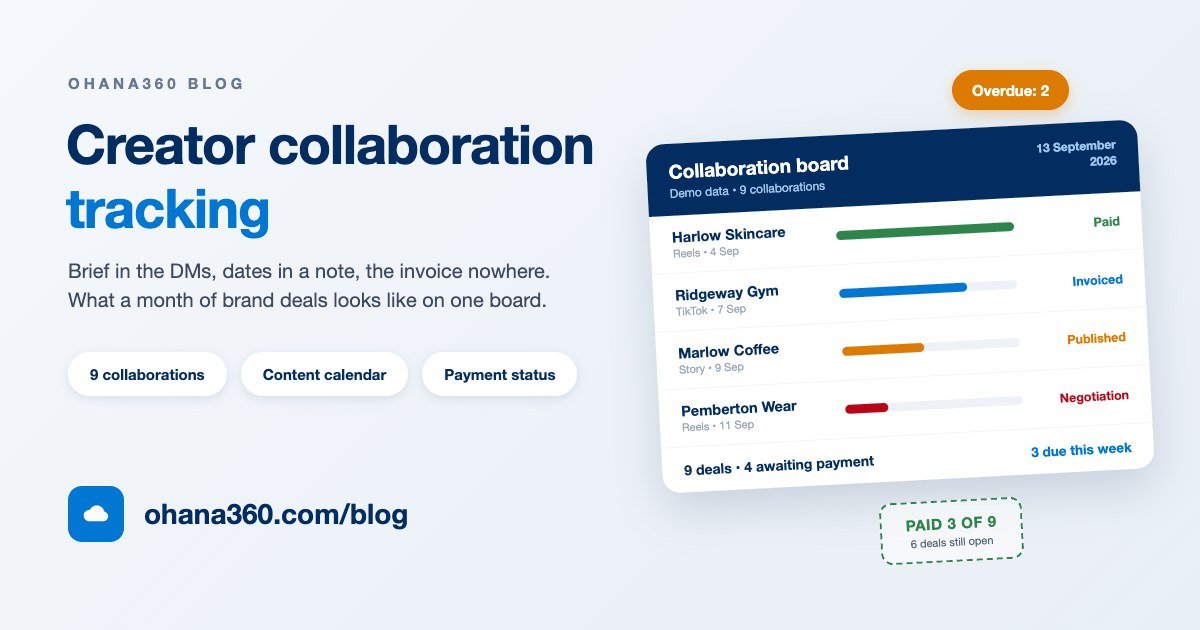
On the first Monday of September, Nina Shaw opened her phone to seven unread DMs, two unanswered emails and a voice note. Nina is a food creator with sixty-two thousand followers. She ran nine brand collaborations last month, and by the end of this one she worked out that two brands had not paid and that a second reel she had promised to a third brand had never been filmed at all. Not because she works badly. Because the job lived in seven different places.
The scope was in a voice note, the date was in the brand's email, the reminder was in a phone note, the fee was in a spreadsheet, the invoice was in her accountant's inbox, and the live link was in a story that deleted itself after 24 hours. This guide is about exactly that scatter: what influencer collaboration tracking software does, what it does not do, and how nine brand deals end up on one list. (Every number below is demo data.)
The life of a collaboration, and the six places it breaks
A brand deal is not a job, it is a chain of six links: first contact, brief, content, publish, invoice, payment. Creators are usually excellent at links three and four, because that is the actual craft. The chain almost always breaks at one, five and six, which is to say on the money side.
Look at Nina's month and the pattern is obvious: two offers never got a reply, one shoot was done twice, one post went out six days late, three reports went to brands incomplete, two collaborations were never invoiced, and two payments passed forty days. None of that is a talent problem. All of it comes from information living in one place until the post goes live and in a completely different place afterwards.
What a collaboration record should hold
The easiest way to kill a record-keeping habit is to design a perfect thirty-field template and stop filling it in by week three. The eight things below are the ones that hurt within a week when they are missing.
| What | Why it matters this much | Where it lives in Ohana360 |
|---|---|---|
| Brand and contact | So you can look at the history when the second deal comes up | The Brand field on the collaboration, plus the Contacts tab |
| Scope: how many pieces, what format | The only antidote to "I thought it was one reel" | Every deliverable is its own Content record, tied to the deal |
| Fee and payment schedule | Track a deposit and a balance together and one gets forgotten | The Fee field, plus one Payment record per instalment |
| Publish date | It belongs to the brand's campaign calendar and cannot be nudged | Publish Date on the content, Target Publish Date on the deal |
| Usage rights and exclusivity | This clause decides whether you can take the next offer | The Brief / Notes field, or a custom field you add |
| Contract and brief files | In a dispute you show what was written, not what was said | The Files card on the collaboration record |
| The live link | Stories vanish, reports get asked for, and the work loses its proof | The Publish Link field on the content record |
| Invoice and payment status | Work finished and money received are two different events | The payment Status: Pending, Invoiced, Paid |
Do not go looking for a ninth field. Fill these eight in properly for one month and by month ten you will already be able to see which brands came back, which platform earned its keep and which brand always pays late.
Two boards, read together: the calendar and the payments
Most creators keep a calendar, some keep a payment list, very few look at the two side by side. Yet the health of a collaboration shows up precisely in the gap between them: how much work you produced sits on the calendar, and how much of that work turned into money sits on the board.
A swelling left column is not necessarily a bad sign, but it is often a late one. Four of Nina's September deals are still Pending, and two of those already went live. So the problem is not production, it is the step after publishing: no invoice was ever raised. That single sentence explains both why the money did not arrive and what to do about it.
The second use of the pair is rhythm. A monthly grid shows an empty week, three deliverables stacked on top of each other and a platform you have not touched, all in one glance. In Nina's September the third week carried three deliverables; two had to be filmed on the same day and one slipped. Opening the calendar while you are accepting a deal is far cheaper than discovering the clash afterwards.
How Influencer360 works in Ohana360
Influencer360 owns the record, calendar and payment links of this chain. Here is what it does, without inflation, and what it does not do, without hiding it. This is the most important section of the guide.
- Tabs: Home, Brands, Contacts, Tasks, Calendar, Collaborations, Content Calendar, Payments, Files, Reports and Dashboards. In this app the shared Accounts tab is labelled Brands: the same object with an industry label.
- The collaboration record: every brand deal is numbered (starting at ISB-1001). Fields: Title, Brand, Influencer (account), Platform (Instagram, TikTok, YouTube, X, LinkedIn, Twitch), Type (from a single post through a reel, a video and a story package to a live stream or a long-term ambassadorship), Fee, Manager, Target Publish Date and Brief / Notes.
- The status path: a six-stage bar sits at the top of the record: Negotiation, Proposal, Contract, Content Production, Published, Done. Moving a deal along is one click on the bar, with no form to open.
- The content record: every deliverable is its own record, attached to a collaboration. Fields: Publish Date, Platform, Format (free text), a status running from planned to filmed, awaiting approval and published, plus Note and Publish Link. The record name is generated from the collaboration number.
- The payment record: one collaboration can carry several payments, a deposit and a balance for instance. Fields: Name, Amount, Due Date, Status (Pending, Invoiced, Paid) and Note. The Payments list has a one-click Paid button, and an unpaid row past its due date turns red.
- The collaboration page: the highlight panel shows the brand link, the handle, platform, type, fee, a paid against total figure and the manager. Four cards sit below it: Content Calendar, Payments, Brief and Details. The right column carries the activity timeline, files and posts. Pressing E opens the edit form.
- Agency share: the Add-on Settings card on the home page holds the agency name and the commission percentage. Set the commission above zero and every collaboration page calculates the agency share on its own line.
- The watch list: the home page surfaces three states: collaborations with an overdue payment (top, in red), those with content going live within two days, and deals whose fee is high.
- Today panel: a publishing strip on the home page lines up the next five unpublished pieces of content with the number of days left on each.
- Calendar: content records appear as their own source on the shared Calendar tab, so publish dates sit in the same month grid as tasks and events.
- Lists: all three are full list views: filters (platform, status, date, amount), column selection, sorting, saved views and CSV or Excel export.
- Reports: one standard report ships, Collaborations by platform (fee totals per platform, as a bar chart). In the report builder you can group the collaboration object by brand, platform, type, status, manager and publish date, and have the report emailed to you on a schedule.
- Platform side: all three objects work in flows, validation rules, sharing rules, global search and CSV import, and you add your own fields and picklists in Object Manager.
- Not included: any Instagram, TikTok or YouTube connection (view and like counts never arrive on their own), a kanban board for content, a month-grid view on the Content Calendar tab (that tab is a date-sorted list; the month view lives on the shared Calendar tab), invoice documents or PDFs and any link to Finance360 invoices ("Invoiced" is only a status), payments and content as report builder objects (money actually received cannot be reported on, only collaboration fees), a real lookup field for the brand (the match is made on the name, so renaming an account detaches the history), a separate creator object (Influencer is a free-text field), inline editing on the list screens, sending email from a collaboration page, a pre-built dashboard, and currency or content-type options in the settings.
Want to see the flow in 91 seconds?
Setting up one collaboration end to end
When the brand's first message arrives, this is the order, and the whole thing takes five minutes.
- Open a new record from the Collaborations tab. Make the title the name of the job ("Harlow Skincare September campaign"), type the brand, pick the platform and type, enter the fee and the target publish date. The status starts at Negotiation on its own.
- Write the brief into the record. Listening to the voice note once and turning the scope into three lines in the Brief field means never listening to it again. Upload the contract and the brand's brief to the Files card.
- Open one content record per deliverable. Three reels promised means three records. The Content button on the record page opens the form with the collaboration already selected, so you only type the date and the format.
- Enter the payment schedule. A deposit and a balance are two payment records, each with its own due date. If it is paid in one go, one record is enough.
- Move the status along. Click Contract when it is signed, In Production when the first piece is filmed, Published when the post goes live. Before you click Completed, ask the one question: has the final payment arrived?
That last question is the most expensive sentence in this guide. Creators who close a deal the moment it is delivered chase payments far worse than those who do not, for a simple reason: a closed record appears on no list.
Which reports to build
For a ten-minute monthly habit, one report is enough: group collaborations by brand and sum the fee, then make a second copy grouped by platform. The first tells you which brands are genuinely clients, the second tells you which platform pays for your effort. Build a third listing deals whose status is Published but which are not yet Completed: that is your list of uninvoiced work. You cannot pull the collection side into a report from the payment records themselves, so track collections with the filters on the Payments list instead.
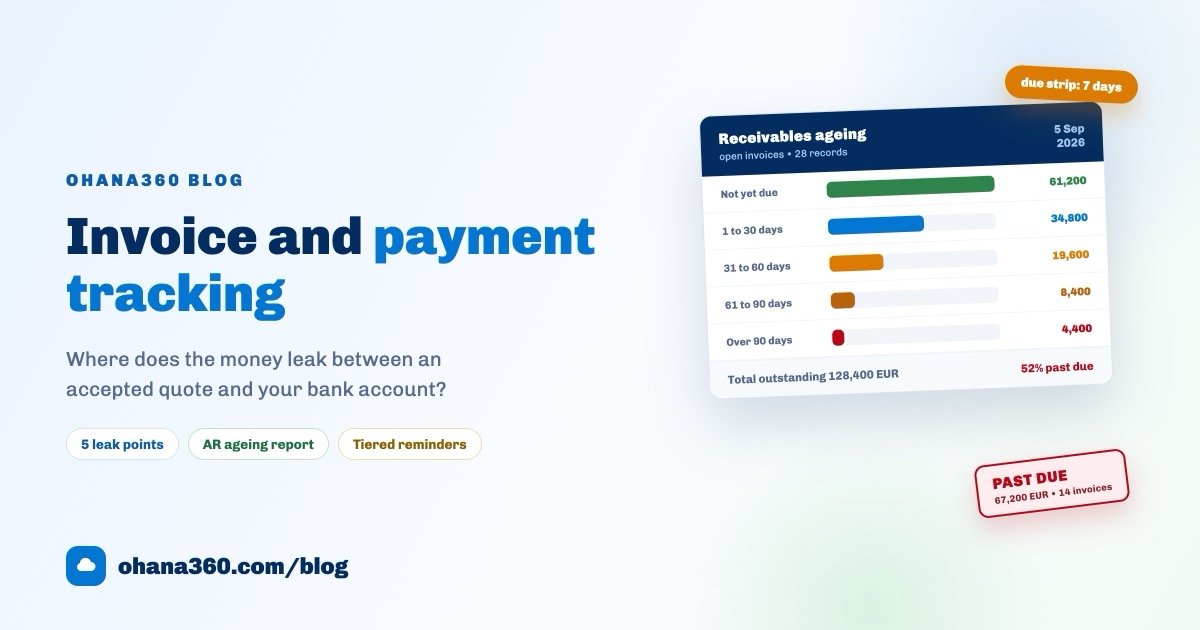
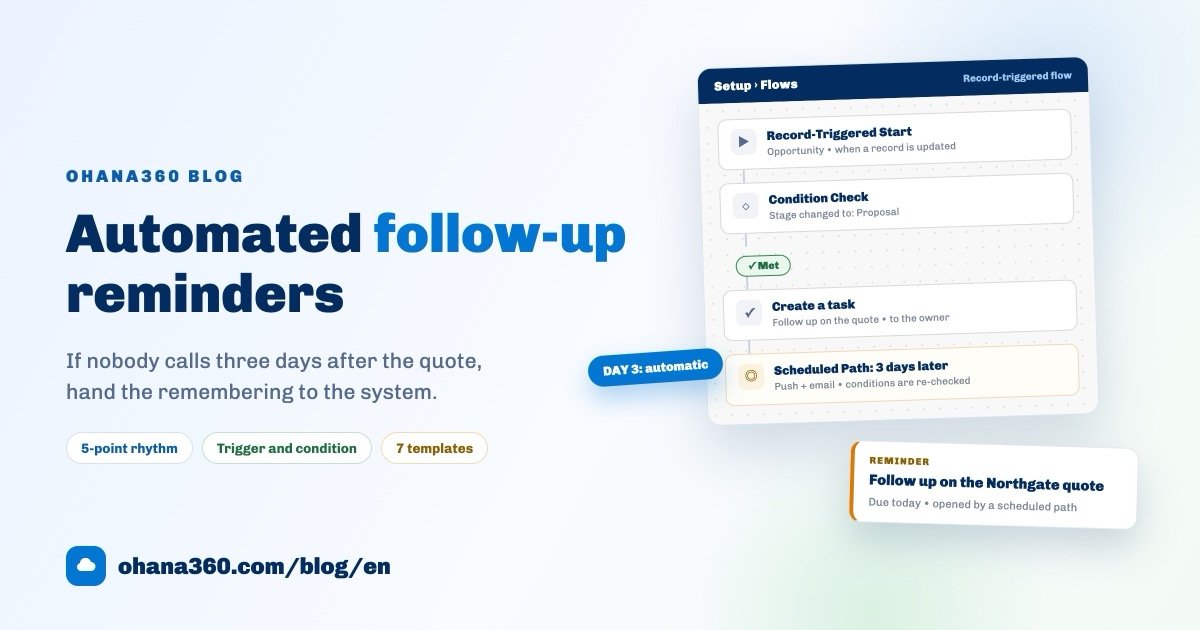
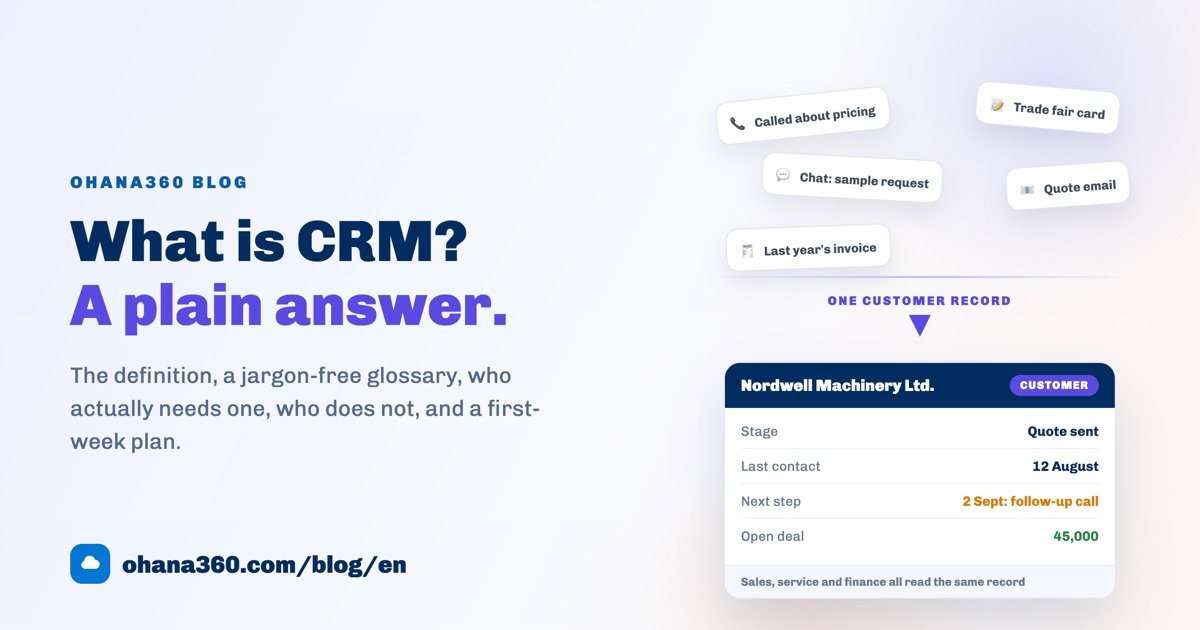
The general logic of raising an invoice and chasing the money is in the invoice and payment tracking guide, and moving a chase out of somebody's memory is in the automated reminders guide. If the platform side is new to you, the what is CRM guide is a good place to start. Current numbers are on the pricing page, and you can request a demo to try it on your own deals.
The first 7 days: a setup plan
Do not try to enter a year of past collaborations. Starting with the open ones and never entering the closed ones is the safest way to still be using the system a week later.
| Day | What to do | What you have at the end of it |
|---|---|---|
| 1 | Enter every open collaboration, skip the closed ones | The first exact count of how many deals are actually live |
| 2 | Add each deal's deliverables as content records | A dated list of everything that has to be filmed this month |
| 3 | Enter the payment schedules: deposit and balance separately | Anything past its due date starts showing red on the list |
| 4 | Upload the contracts and briefs onto the records | The file you will need in a dispute sits in one place |
| 5 | Set the agency name and commission on the settings card | The agency share is calculated on every collaboration page |
| 6 | Build the two reports: by brand and by platform | The month's income picture is two clicks away |
| 7 | Put a fixed fifteen minutes a week in the calendar | It is settled who reads the watch list, and when |
There is no day eight, because everything after this is repetition: five minutes to open a record when a deal arrives, deliverables onto the calendar, and the payment board opened on the last day of the month. Nina missed zero payments in October, not because she put in more effort, but because there is now only one place to look.
Frequently asked questions
What does creator collaboration tracking software actually do?
Why does a spreadsheet stop working for brand deals?
What should a brand deal record contain, at minimum?
When should a creator chase a late brand payment?
How does Influencer360 calculate the agency share?
Does Influencer360 connect to Instagram or TikTok?
Is this too much structure for a solo creator?
Deals are born in the DMs, but they live on a list
A numbered record, a deliverable list that lands on the calendar, a payment row that turns red the day it is late, and a watch list waiting in the same place every morning. Making the work is your job; remembering it is the system's.