Practical guides for growing businesses
Actionable, zero-gloss writing on customer tracking, sales discipline and small business digitalization.
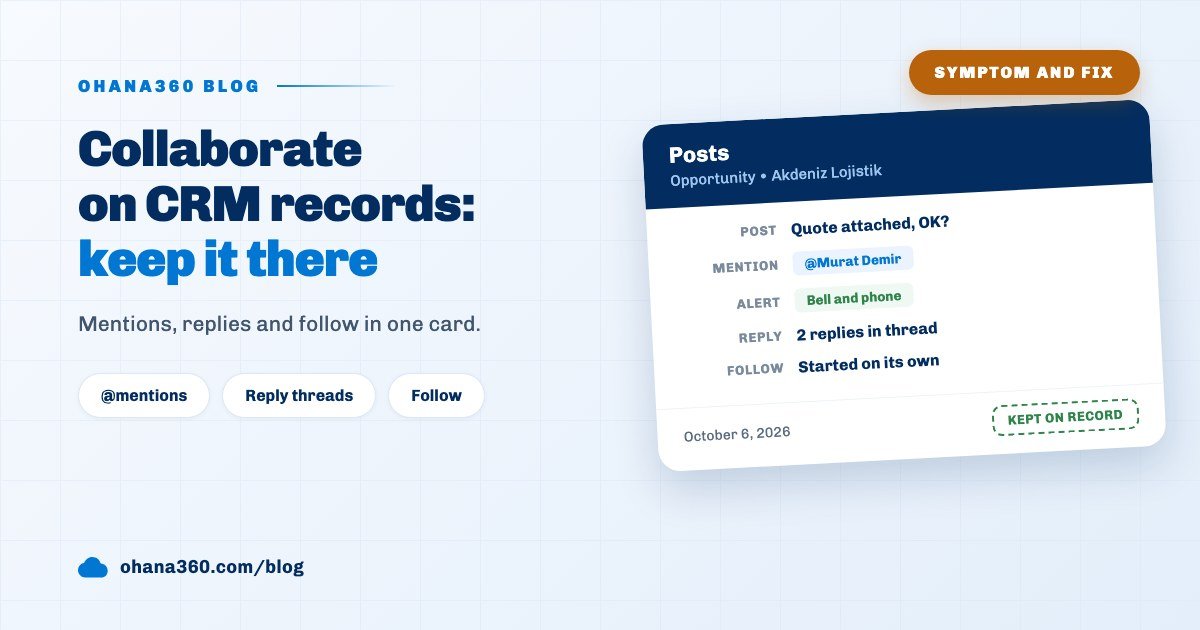 Symptom and fix
How to collaborate on records in a CRM: why talk about customers gets lost, and how to keep it on the record
Decisions about customers get lost in email, chat and hallway talk. In Ohana360 the conversation stays on the record itself: mentions, replies, files, likes and Follow in the Posts card. Five symptoms and the fix for each one on the record.
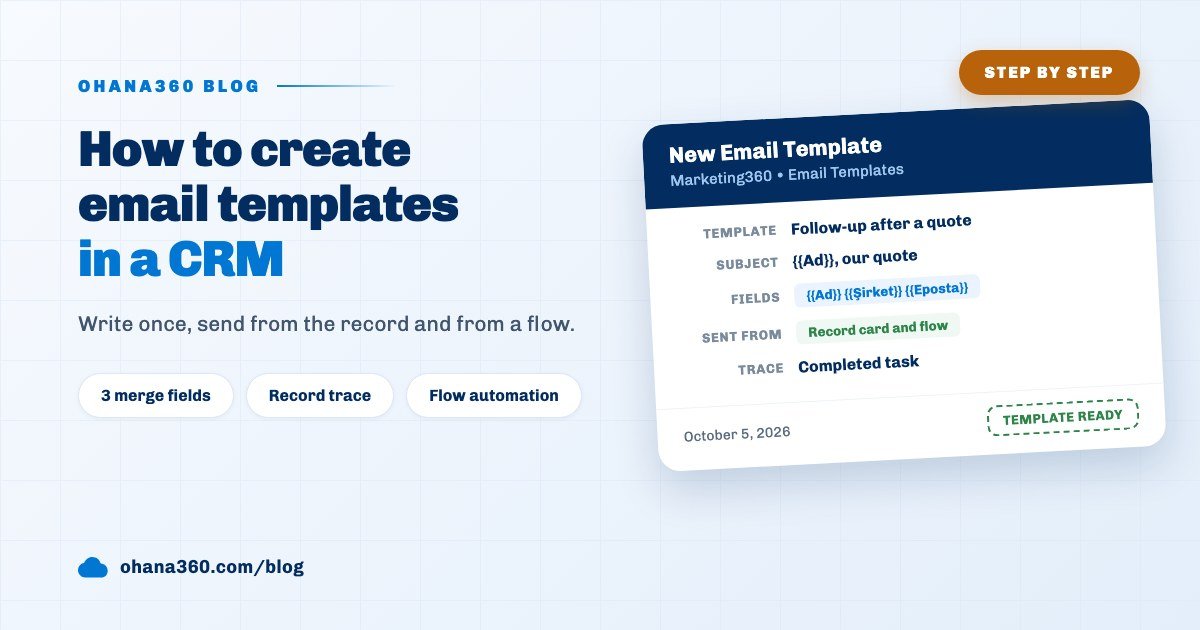 Step by step
How to create email templates in a CRM: write once, send from the record and from a flow
In Ohana360 an email template is written once in Marketing360, then sent from the Email card of a record page or from a flow. Which placeholder fills where, how a send is logged on the record and what is missing.
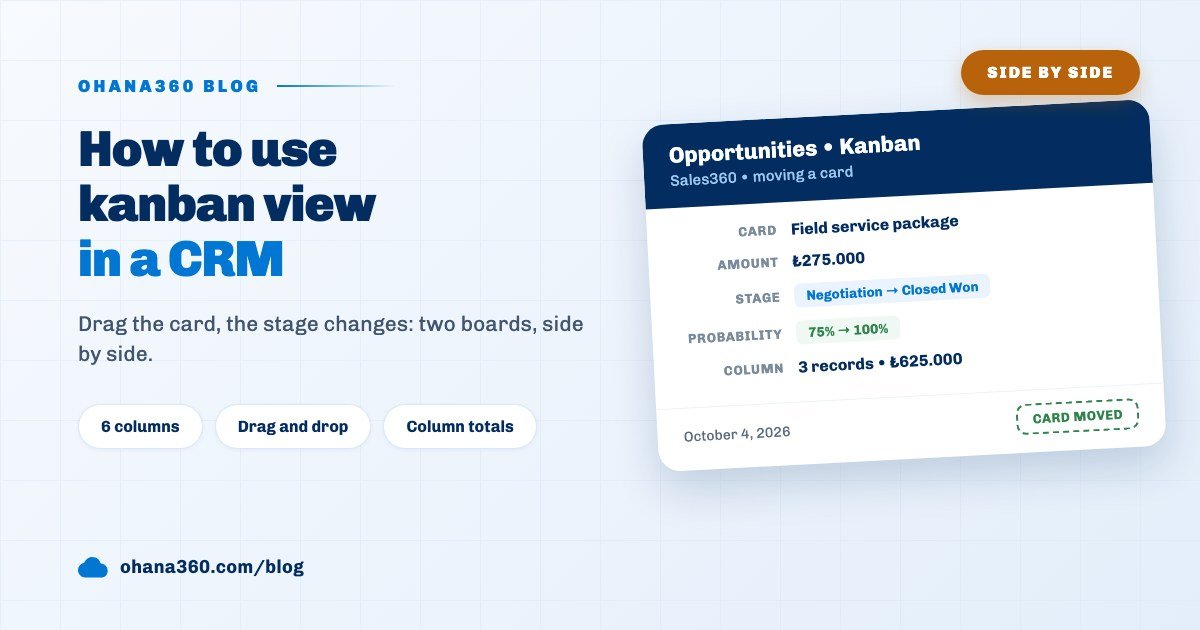 Side by side
How to use kanban view in a CRM: drag the card, the stage changes
Ohana360 has two separate kanbans: a header board that shows every opportunity with amount totals, and an in list kanban that turns a saved list into a board. When to open which, what changes when a card moves and what is missing.
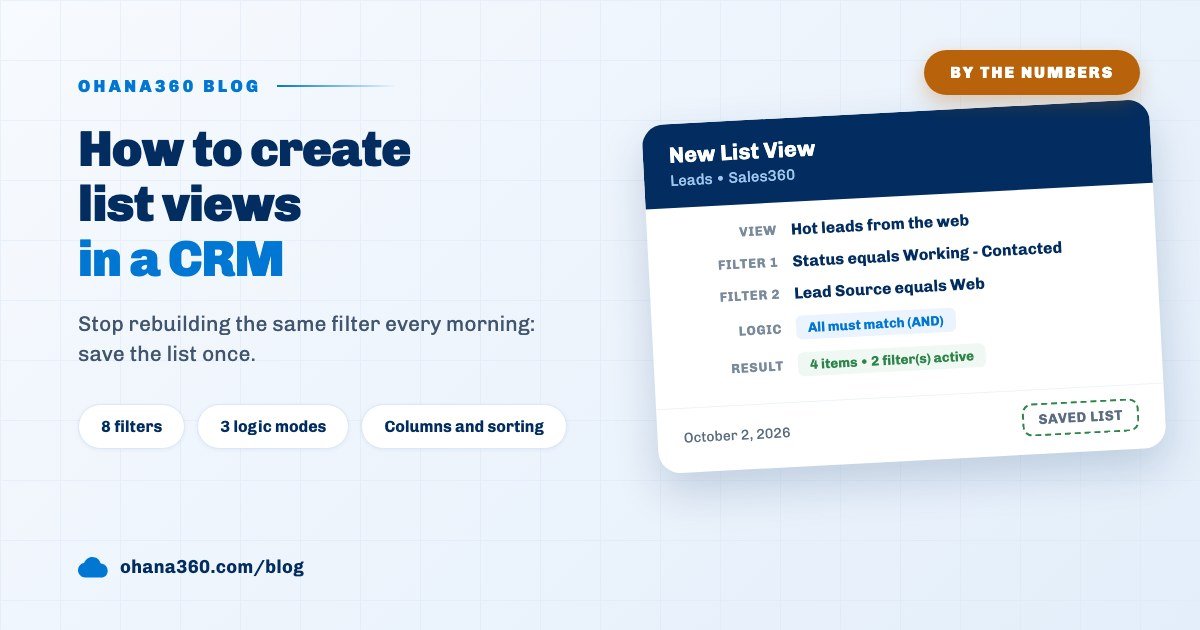 By the numbers
How to create list views in a CRM: filters, columns and sorting in eight numbers
Save the list once instead of rebuilding the same filter every morning. Eight numbers describe a list view in Ohana360: 8 filters, 3 logic modes, 24 operators and the settings a view deliberately does not carry.
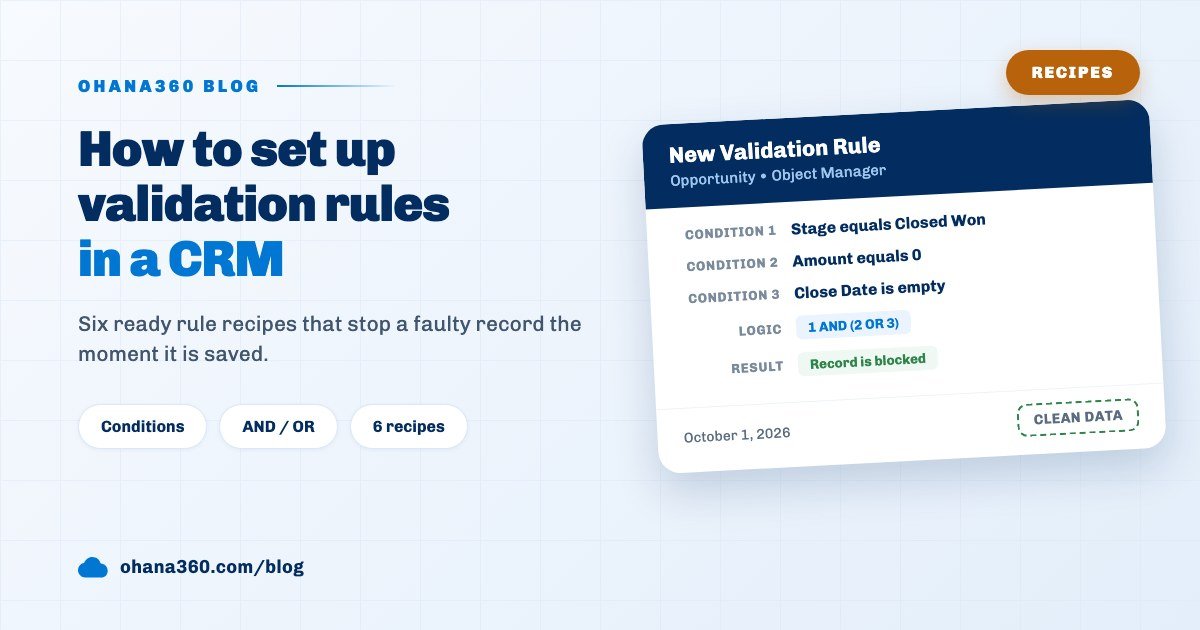 Recipes
How to set up validation rules in a CRM: six ready recipes
Bad data is cheap to stop at the moment it is saved. How to set up a validation rule in Ohana360, choose the condition logic, six rule recipes you can copy and the paths a rule deliberately does not cover.
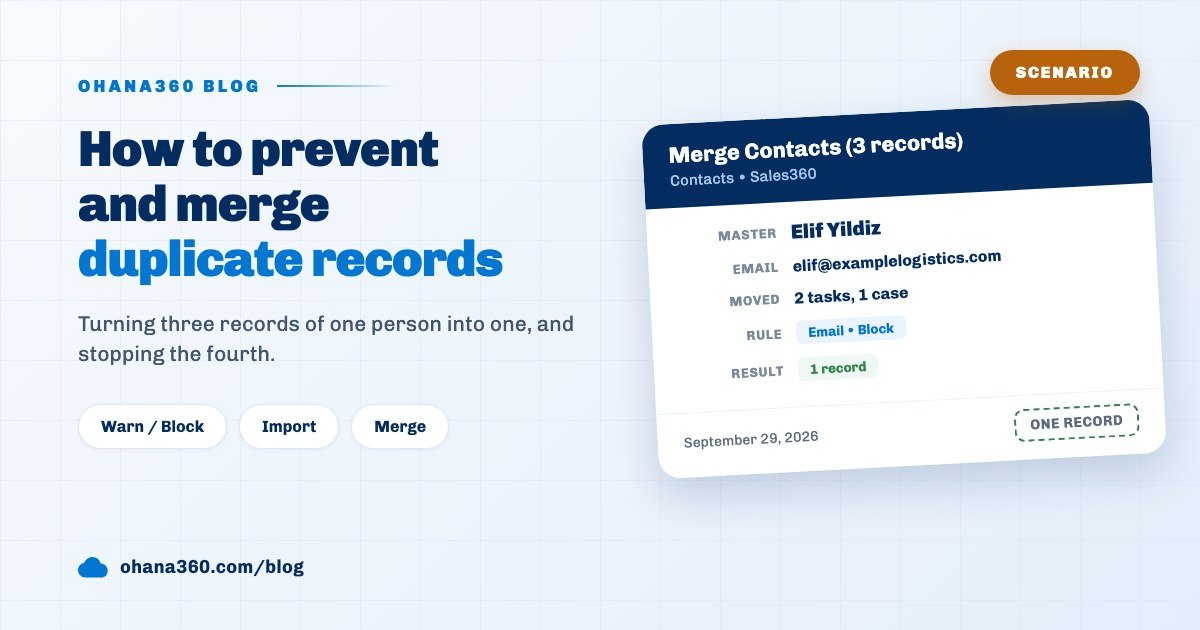 Scenario
How to prevent and merge duplicate records in a CRM
Three records of the same customer inflate reports and split tasks. How to set up a duplicate rule in Ohana360, choose between warn and block, catch duplicate rows on import, merge 2 or 3 records and where the rule does not run.
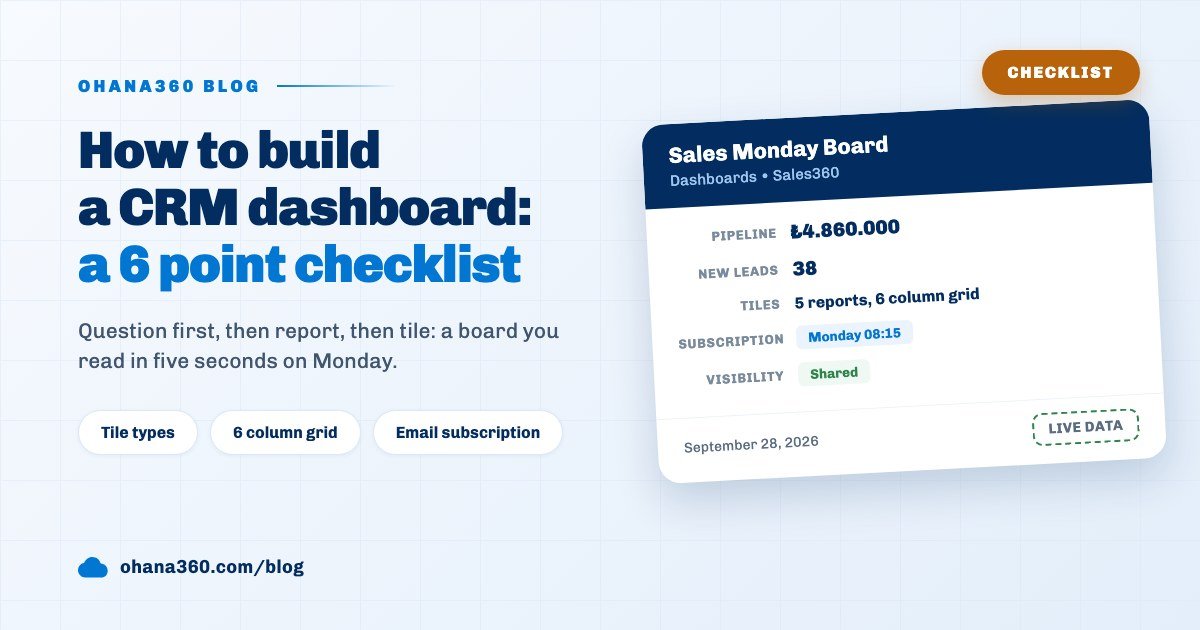 Checklist
How to build a CRM dashboard: a six point checklist
A six point checklist for building a CRM dashboard in Ohana360: choosing the questions, one report per question, KPI cards versus chart tiles, sizing tiles on a six column grid, sharing, email subscriptions and what a dashboard does not do.
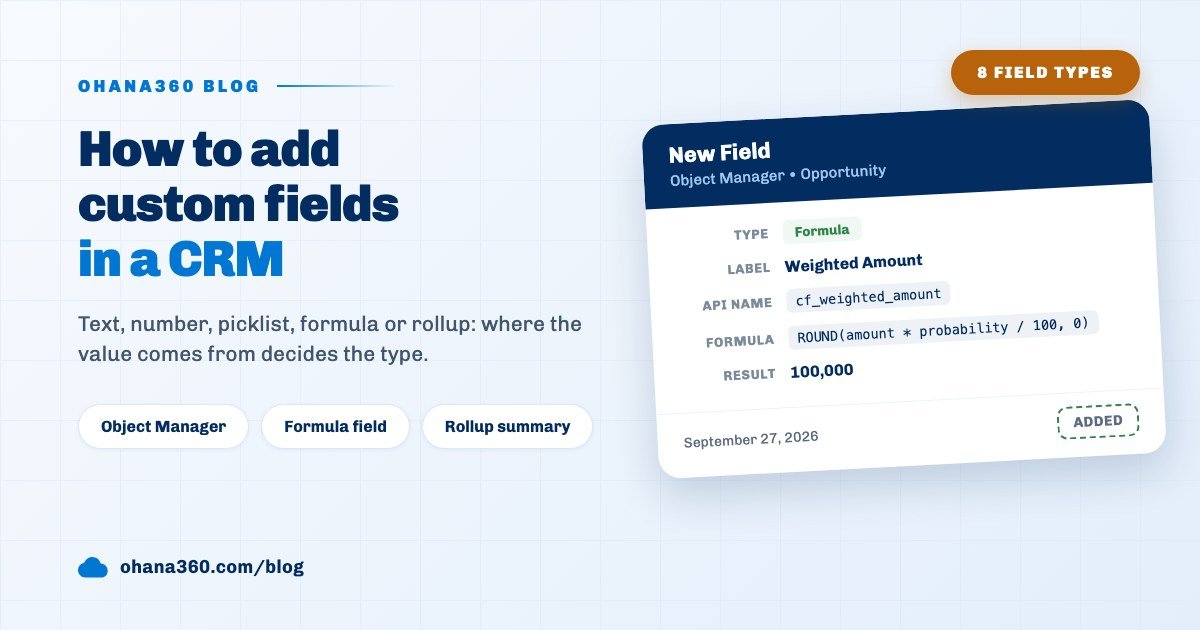 Decision Guide
How to add custom fields in a CRM: which field type for which piece of data
Adding custom fields in Ohana360, choosing the right one of eight field types, writing formula and rollup summary fields, putting a field on the page layout, using it in reports and what these fields do not do.
 Guide
Guide
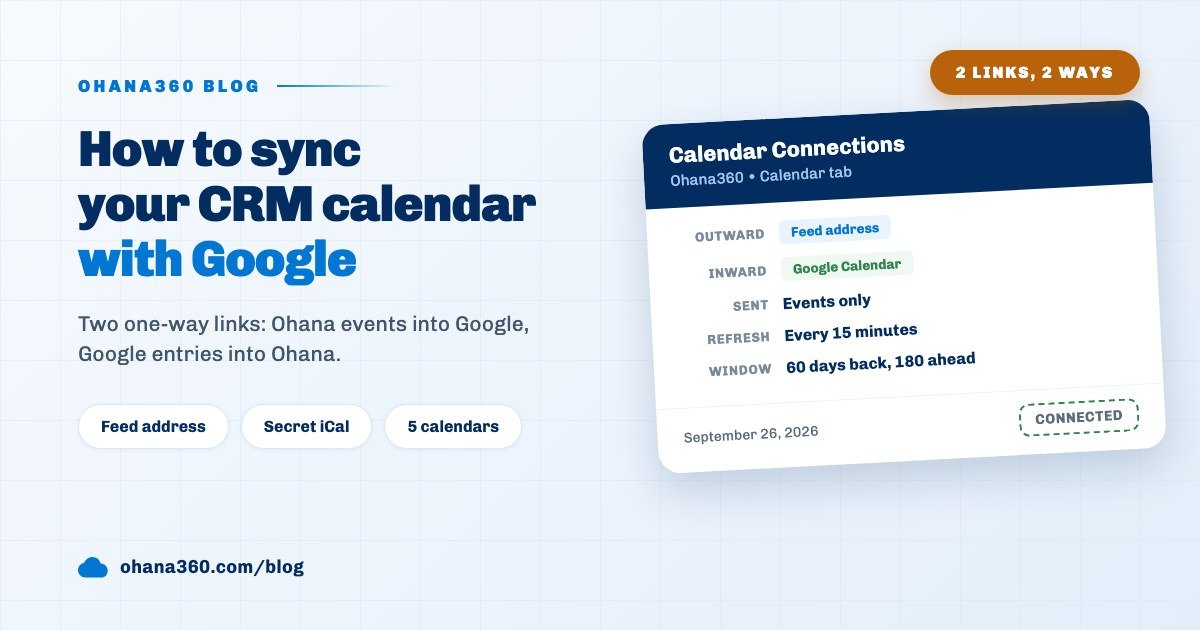
How to sync your CRM calendar with Google Calendar: two links, step by step
Connecting the Ohana360 calendar to Google, Apple and Outlook with a feed address, bringing Google Calendar into Ohana with its secret iCal address, which records go into the feed, refresh times, address security and what the setup leaves out.